
Key takeaways
- AI search (Google AI Overviews and AI Mode, ChatGPT, Perplexity, Gemini, Copilot) decides which brands get cited and recommended. AI shopping agents go further and add products to carts.
- Shopify already connects merchants to AI channels through Agentic Storefronts, Shopify Catalog and the Universal Commerce Protocol (UCP). Your job is to make sure what those channels see is complete and accurate.
- The ten steps below cover product data, schema, content, crawler access, channel settings, checkout and measurement.
- Shopify reports AI-attributed orders on its platform grew 11x between January 2025 and January 2026.
AI search vs. AI shopping agents: what is the difference?
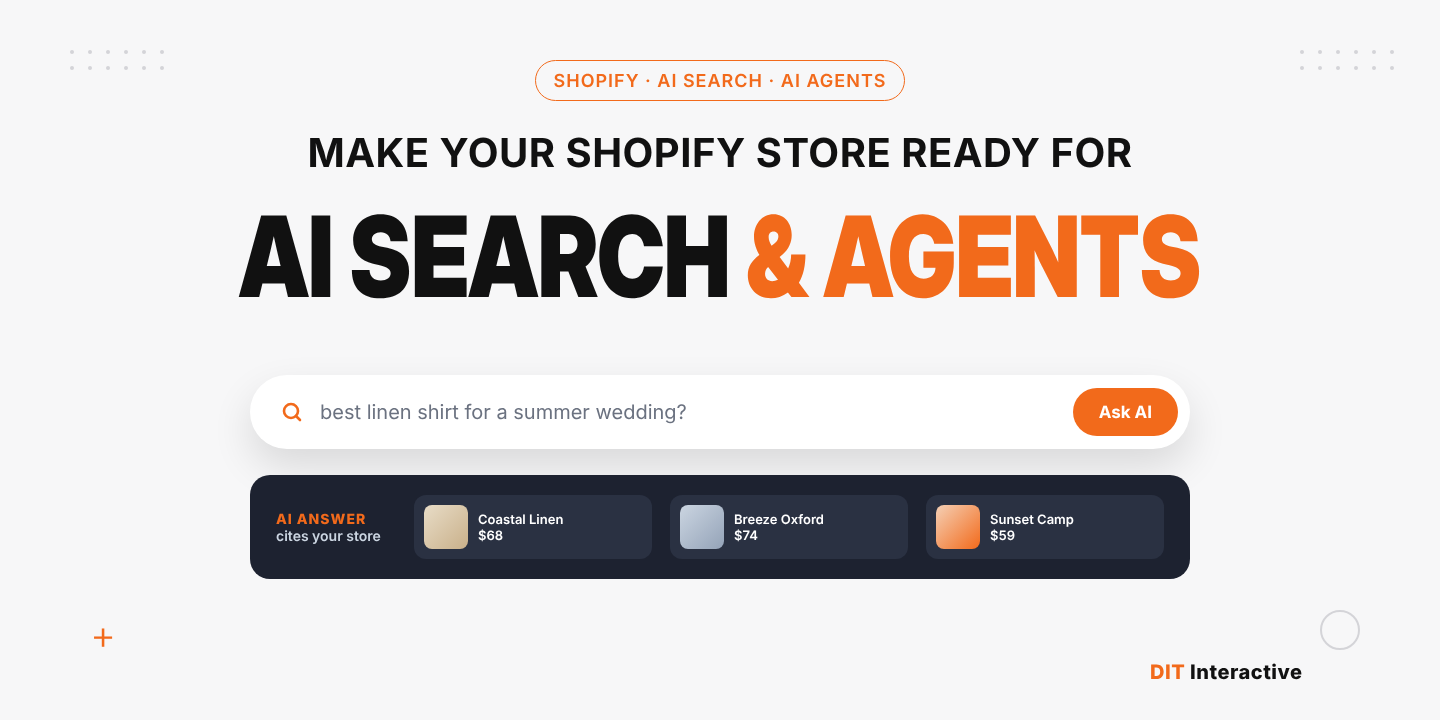
AI search is when an assistant answers a question (“best trail running shoes for wide feet”) and cites or recommends products and brands. Success means being mentioned and linked.
AI shopping agents act on the answer. They search catalogs, compare offers, build carts and, through protocols such as UCP, can complete checkout. Success means your product is chosen and sold.
Shopify stores need to win both. The good news is that the same foundations, clean data and clear content, serve both.
How Shopify connects your store to AI
Shopify announced the Universal Commerce Protocol with Google on January 11, 2026 and manages AI channels through Agentic Storefronts in the admin. Merchants set up data once and it can surface across ChatGPT, Microsoft Copilot, Google AI Mode and Gemini. Shopify Catalog turns that data into structured, queryable product information for AI surfaces.
This infrastructure only works as well as your data. Two stores on the same platform can get very different results from AI channels.
10 steps to make your Shopify store AI-ready
1. Check your Agentic Storefronts settings
Go to Settings → Sales channels → Agentic storefronts. Confirm which AI channels are active and review how your brand and products appear.
2. Complete product data with metafields
Use Shopify’s standard product taxonomy and category metafields for material, size, color, fit, compatibility and use case. Agents filter on these fields. A product with five filled attributes beats one with a great description and none.
3. Write product titles and descriptions for questions
Titles should state the product type and key attribute. Descriptions should answer the questions shoppers ask: who it is for, what it fits, how it compares and how to care for it. Short, factual sentences are easier for AI to quote.
4. Validate structured data
Most Shopify themes output Product schema, but apps and customizations often break or duplicate it. Check that each product has accurate Product, Offer, AggregateRating and Review markup, and that the store has Organization and BreadcrumbList markup. See our Shopify technical SEO checklist.
5. Build answer-ready content
AI search engines cite pages that answer questions directly. Add buying guides, comparison pages and FAQ sections to collections. Lead each section with a 40 to 60 word answer, then add detail. Our content marketing services team writes this content for Shopify brands.
6. Review AI crawler access
Shopify lets you customize robots.txt through the robots.txt.liquid template. Make sure AI search crawlers such as OAI-SearchBot, PerplexityBot and Claude-SearchBot are not blocked if you want to be cited. Decide separately whether to allow training crawlers.
7. Keep Google Merchant Center clean
Google’s AI Mode and Gemini shopping draw on Merchant Center data. Sync it through the Google & YouTube channel, fix disapprovals and keep price and availability accurate.
8. Speed up the storefront
Fast pages get crawled more and convert better. Trim apps, compress images and keep theme code lean. Our Shopify SEO best practices for 2026 covers the details.
9. Optimize checkout for agent handoffs
Shoppers arriving from an AI channel are ready to buy. Enable Shop Pay and other express wallets, show delivery dates and remove unnecessary fields. Our conversion rate optimization service tests these changes.
10. Measure AI traffic and orders
Track AI-attributed orders in Shopify analytics, tag AI referral traffic in GA4 and check monthly how often your brand appears for your top 20 queries across ChatGPT, Perplexity and Google AI Overviews.
Shopify AI readiness checklist
| Area | What “ready” looks like | Owner |
| Agentic Storefronts | AI channels reviewed and active | Merchant |
| Product data | Category metafields filled for every product | Merchandising + developer |
| Content | Buying guides and FAQs on key collections | Content team |
| Schema | Valid Product, Offer and Review markup | Developer |
| Crawler access | AI search bots allowed in robots.txt.liquid | Developer |
| Merchant Center | No disapprovals, accurate stock and price | Marketing |
| Speed | Lean theme and apps | Developer |
| Checkout | Express wallets, clear delivery dates | CRO |
| Measurement | AI orders and citations tracked monthly | Marketing |
| Own AI agent | Branded assistant built on UCP or Catalog API | Developer |
Go further: build your own Shopify shopping agent
AI channels show your products inside someone else’s assistant. A branded agent on your own store keeps the conversation with you. Since Shopify’s Spring ’26 Edition, any developer can build on UCP and the Catalog API without approval. Use cases include guided selling, fit finders, gift finders and reorder assistants. Our agentic AI development services team builds these on Shopify.
Why the right Shopify partner matters for AI readiness
AI readiness touches theme code, data structure, apps, content and analytics. That is why many brands work with a Shopify web development agency instead of piecing it together.
When you compare a Shopify web design company, look for Shopify web design services that cover product page structure and metafield strategy, and Shopify web development services that include schema, performance, custom apps and AI agent builds. If you need ongoing capacity, hire Shopify developers on a dedicated model.
DIT Interactive is a Shopify website development company and Shopify Partner rated 4.8 from 88 reviews, with a US office in Iselin, New Jersey. We combine Shopify development, SEO services and agentic AI so your store ranks in Google, gets cited in AI search and sells through AI agents.
Want to know how AI-ready your Shopify store is? Book a Shopify AI readiness audit or hire Shopify developers to start the fixes.