
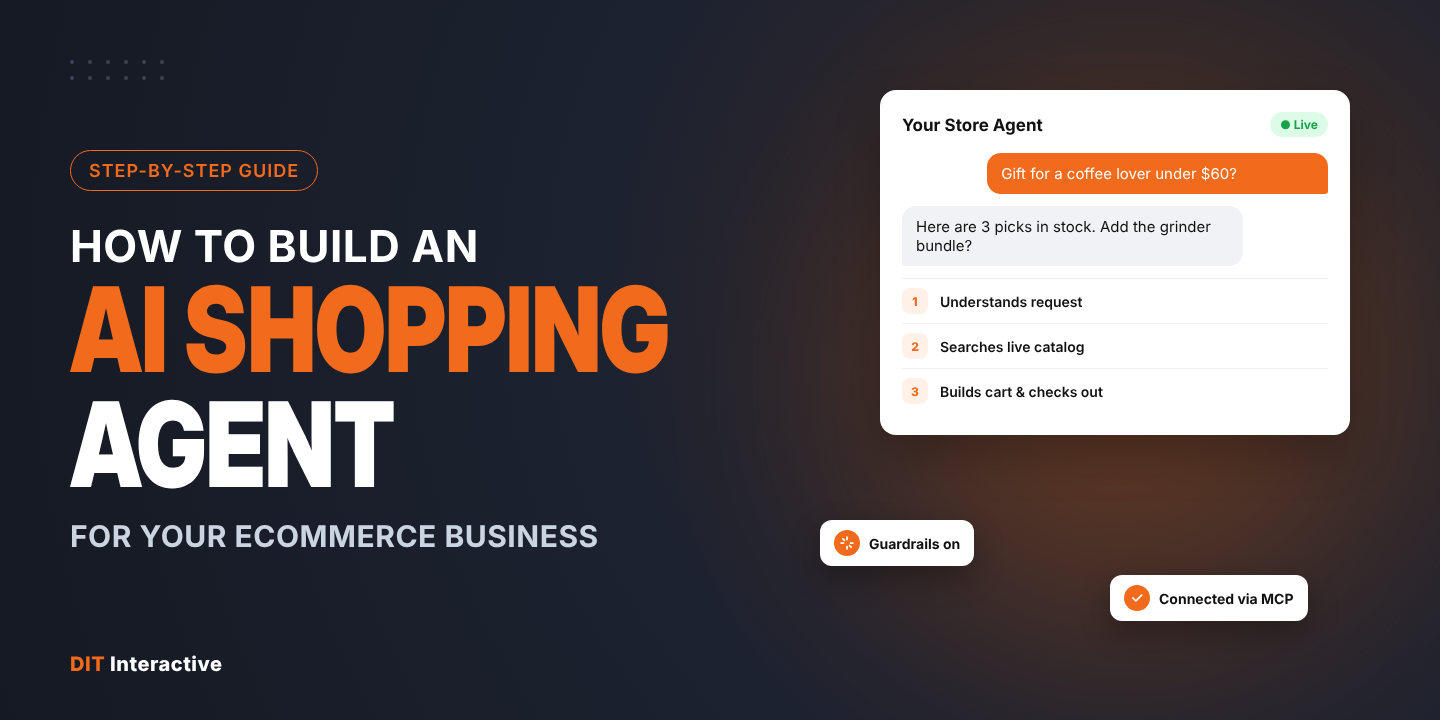
Key takeaways
- An AI shopping agent is software that understands a shopper’s request, searches your live catalog, recommends products and moves the shopper to checkout, all through conversation.
- You build one in seven steps: pick one use case, prepare product data, connect commerce tools, design the conversation, add guardrails, test against real queries, then launch and measure.
- Every major platform now offers an agent connection: BigCommerce Storefront MCP, Shopify’s Universal Commerce Protocol and Catalog API, and WooCommerce MCP (developer preview).
- Start narrow. A focused guided-selling or reorder agent ships faster and proves ROI before you expand.
What is an AI shopping agent?
An AI shopping agent is a conversational assistant, powered by a large language model, that can take actions in your store. It reads a request in plain language, calls tools such as product search, inventory check and cart creation, and returns real products with real prices. A traditional chatbot follows scripts. An agent decides which tool to call next based on what the shopper says.
Shoppers already expect this. Adobe Analytics data shows AI traffic to US retail sites grew 393% year over year in Q1 2026 and converted 42% better than non-AI channels. An agent on your own site lets you capture that intent with your data, your brand voice and your margins.
What can an AI shopping agent do for your business?
| Use case | What the agent does | Best for |
| Guided selling | Asks 3 to 5 questions and builds a cart | Complex or technical catalogs |
| Gift finder | Suggests items by budget, recipient and occasion | Seasonal retail |
| Fit and compatibility | Checks size, model or part fitment | Apparel, auto parts, electronics |
| Reorder assistant | Reorders consumables or past B2B orders | Subscriptions, B2B supplies |
| B2B quote agent | Drafts quotes from shopping lists within limits | Distributors, manufacturers |
| Post-purchase support | Tracks orders, starts returns and exchanges | Every store |
Pick one to start. The use case decides which tools, data and guardrails you need.
How to build an AI shopping agent: 7 steps
Step 1: Define one job and one success metric
Write a single sentence: “The agent helps shoppers who want X find and buy Y.” Then choose one metric, such as add-to-cart rate, conversion rate or support tickets avoided. A narrow scope keeps the first release fast and measurable.
Step 2: Prepare your product data
Agents match on attributes, not on marketing copy. Fill in size, material, compatibility, use case, care and warranty as structured fields. Fix vague variant names and sync stock and prices in real time. Data cleanup is usually the largest task in the project.
Step 3: Connect the agent to your store
Use your platform’s agent interface instead of scraping pages:
| Platform | Agent connection | What the agent can do |
| BigCommerce | Storefront MCP | Search products, get variants, build carts, create checkout links; B2B lists and quotes |
| Shopify | Universal Commerce Protocol and Catalog API | Discovery, cart and checkout across AI surfaces and your own agent |
| WooCommerce | WooCommerce MCP (developer preview) | Product and order abilities through the WordPress MCP Adapter |
| Headless or custom | Your own API or MCP server | Whatever tools you expose |
Details differ by platform. BigCommerce documents its server in its developer docs. For other stacks, our Node.js team builds custom MCP servers on top of your APIs.
Step 4: Design the conversation and interface
Decide where the agent lives: a chat widget, a quiz page, a product page panel or a messaging channel. Write the system prompt in your brand voice, list what the agent must always ask (size, budget) and design product cards that show price, stock and an add-to-cart button. Strong UI/UX design makes shoppers trust the answers.
Step 5: Add guardrails
- Only recommend in-stock products from your catalog.
- Never invent prices, discounts or delivery dates.
- Ask before adding items to the cart or applying promotions.
- Keep personal data out of prompts and logs.
- Hand off to a human for complaints, refunds above a limit or medical and legal questions.
Step 6: Test with real shopper queries
Collect 100 to 200 real questions from site search logs, reviews and support tickets. Run them through the agent and score each answer for accuracy, relevance and tone. Fix data gaps and prompts, then retest. Repeat before every release.
Step 7: Launch, measure and improve
Launch to a share of traffic first. Track conversations started, add-to-cart rate, conversion, average order value, handoff rate and wrong-answer rate. Review transcripts weekly. Our conversion rate optimization team helps turn those findings into tests.
AI shopping agent architecture at a glance
A typical build has five layers:
- Interface: chat widget, quiz or embedded panel on your storefront.
- Language model: Claude, GPT, Gemini or an open model, chosen for accuracy, speed and cost.
- Orchestration: the logic that holds the conversation, picks tools and enforces guardrails.
- Tools: MCP or API connections to catalog, inventory, cart, orders and CRM.
- Monitoring: logs, evaluation scores and analytics dashboards.
Most of the engineering work sits in layers 3 and 4. That is what custom AI agent development covers.
Build in-house or hire an AI agent development company?
| Factor | In-house | AI agent development company |
| Time to first release | Longer if the team is new to agents | Faster with proven patterns |
| Commerce platform knowledge | Varies | Should be deep across platforms |
| Guardrails and evaluation | Must be built from scratch | Usually reusable frameworks |
| Ongoing cost | Salaries and tooling | Project or retainer |
| Control | Full | Shared, with handover |
Many US brands start with an AI automation agency for the first build, then bring maintenance in-house.
How much does it cost to build an AI shopping agent?
Cost depends on four factors: the number of tools and integrations, how much product data needs cleanup, how strict the guardrails and approvals are, and model usage at your traffic level. A single-use pilot on one platform costs far less than a multi-agent B2B system tied to ERP and CRM. Ask for a scoped estimate after a discovery workshop.
Choosing an agentic AI development company
Look for a partner that:
- Builds on your commerce platform every day, not only on LLM APIs.
- Knows MCP, UCP and ACP well enough to tell you which matter for your channels.
- Shows its evaluation and guardrail process.
- Cleans product data as part of the project.
- Offers agentic AI services after launch, including monitoring and improvement.
DIT Interactive is an agentic AI development company with offices in Iselin, New Jersey; London; and Ahmedabad. Our agentic AI development services team works side by side with certified Shopify, BigCommerce and WooCommerce developers, so the agent and the store are built together. We also automate back-office work through AI workflow automation. Read more about custom AI agent development benefits and process.
Ready to build your first AI shopping agent? Book a free agent discovery call or hire AI and ecommerce developers to start this quarter.