
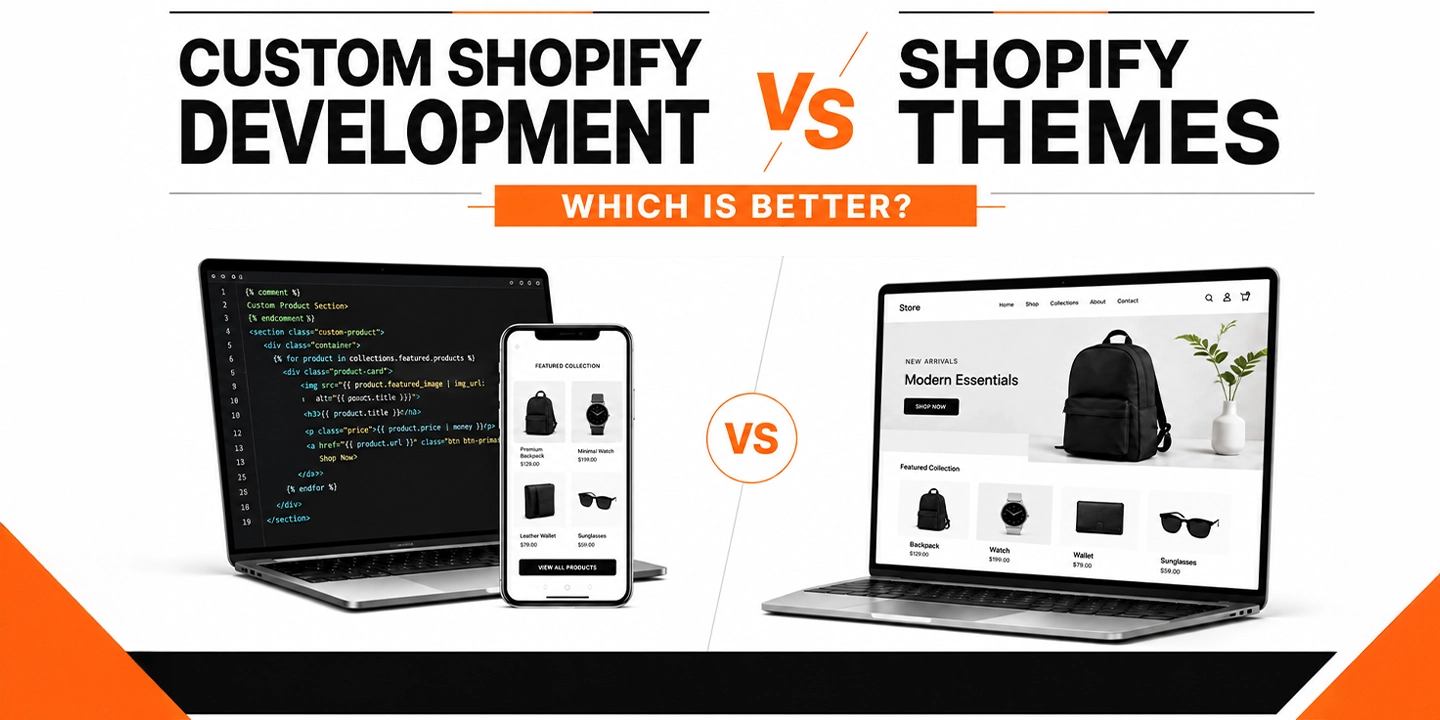
If you’ve spent any time researching Shopify web design services, you’ve probably run into the same fork in the road that almost every merchant hits eventually. Do you buy a theme from the Shopify Theme Store and customize it, or do you bring in a Shopify web development agency and build something from scratch?
Honestly, there’s no single right answer here, and anyone who tells you otherwise is probably trying to sell you something. What I can tell you, from years of watching stores launch, scale, and sometimes stall out, is that the “which is better” question depends almost entirely on where your business is right now and where you’re trying to go in the next 12 to 24 months.
This article breaks down both paths in plain language, backed by real data, so you can make a decision that fits your business instead of someone else’s sales pitch.
Quick Answer: Themes vs Custom Development
A Shopify theme is a pre-built template you install and customize with settings, apps, and minor code tweaks. Custom Shopify development means building a storefront from the ground up (or heavily rebuilding a theme’s foundation) around your specific business logic. Themes suit new or small stores that need to launch fast and affordably. Custom development suits growing brands that need speed, unique functionality, or a shopping experience competitors can’t copy.
What Is a Shopify Theme, Exactly?
A Shopify theme is essentially a pre-coded storefront. You pick one from the Shopify Theme Store (free or paid, usually between $0 and $400), install it, and then adjust colors, fonts, sections, and layout through the theme editor. Popular options like Dawn, Impulse, and Turbo cover the basics well: product pages, collection grids, cart drawers, and blog layouts that already work out of the box.
The thing is, themes are built to be general-purpose. A theme developer has to design something that works reasonably well for a skincare brand, a furniture store, and a pet supply shop all at once. That’s the trade-off. You get speed and affordability, but you also get a store that looks and behaves a lot like thousands of others running the same theme.
From my experience, themes are genuinely the right call for a large share of new merchants. If you’re testing a product idea, running a side business, or bootstrapping your first year, there’s no reason to spend five figures on a build before you’ve proven people want what you’re selling.
What Is Custom Shopify Development?
Custom Shopify development means a developer (or a full Shopify website development company) builds your storefront’s theme code, apps, and sometimes backend integrations specifically for your business. This can mean starting from a blank Shopify theme framework, deeply modifying an existing base, or building on Shopify’s headless architecture using the Storefront API and Hydrogen.
Custom builds typically involve:
- Custom Liquid, HTML, CSS, and JavaScript written for your exact product experience
- Unique page layouts (product configurators, size finders, quizzes, subscription flows)
- Integrations with your ERP, PIM, POS, or fulfillment systems
- Performance work targeted at your specific catalog size and traffic patterns
- App consolidation, meaning fewer third-party apps because functionality is built natively
One thing many businesses overlook is that “custom development” doesn’t always mean starting from zero. In most cases, a good agency will take a solid theme foundation like Dawn and rebuild the sections and templates around it, which keeps development time reasonable while still giving you a fully original front end.
Shopify Themes vs Custom Development: Side-by-Side Comparison
| Factor | Shopify Theme | Custom Development |
| Upfront cost | $0 to $400 | $5,000 to $150,000+ |
| Timeline to launch | 1 to 3 weeks | 6 to 20+ weeks |
| Design uniqueness | Shared with other stores | Fully original |
| Performance ceiling | Limited by theme code | Can be optimized for your catalog |
| Scalability | Works until traffic or catalog outgrows it | Built to scale with the business |
| App dependency | High (apps patch missing features) | Lower (features built natively) |
| Ongoing maintenance | Minimal | Requires a developer relationship |
| Best for | New stores, MVPs, small catalogs | Growing brands, high traffic, complex catalogs |
The Real Cost Difference (And Why It’s Not as Simple as It Looks)
You’ll notice most articles stop at “themes are cheap, custom is expensive.” That’s technically true but misses the part that actually matters for your decision: total cost of ownership.
A $350 theme plus five or six apps to patch in the features you need can easily run $150 to $400 a month in app subscriptions alone. Over two years, that’s $3,600 to $9,600, on top of the theme’s own limitations and the labor cost every time an app conflict breaks your checkout flow. Custom development front-loads the cost but often reduces app dependency, which lowers your monthly overhead once the site is live.
That said, custom development isn’t the automatic winner on cost. If your store does $15,000 a month in revenue, spending $60,000 on a custom build doesn’t make financial sense yet, no matter how nice it would look. This is where an honest conversation with a Shopify partner matters more than a sales pitch. A good agency will tell you when you’re not ready for custom work, not just quote you a number.
Performance and Conversion: Where the Real Money Is
This is the part that tends to get glossed over, and it shouldn’t, because performance is where design decisions turn into actual revenue.
According to a joint study by Google and Deloitte, a mobile page speed improvement of just 0.1 seconds increased retail conversion rates by 8.4% and average order value by 9.2%. That’s not a typo. A tenth of a second moved the needle that much across 37 brands and roughly 30 million real user sessions. Google’s own research also found that 53% of mobile visitors abandon a page that takes longer than three seconds to load.
That’s where things change for stores that outgrow their theme. Off-the-shelf themes carry code for features you’re not using, sections you never enabled, and app scripts stacking on top of each other, and all of that weight slows the page down. Custom builds strip that out and load only what your specific store needs.
Mobile matters here more than people think. Mobile commerce now accounts for roughly 60% of global ecommerce sales, according to Statista, and mobile traffic makes up an even larger share of visits than that. If your theme (or the ten apps bolted onto it) is slow on a phone, you’re losing a majority-channel’s worth of buyers before they even see your products.
Cart abandonment is another place performance and design intersect. Baymard Institute, which has run large-scale checkout usability research for over a decade, puts the average cart abandonment rate at 70.22% across 50 studies. Nearly half of shoppers who abandon do so because of unexpected costs revealed late in checkout, and Baymard estimates that fixing checkout usability issues alone can lift conversion by an average of 35.26% on large ecommerce sites. A theme’s default checkout flow is fine for most stores, but if your business has a complicated cart (subscriptions, bundles, multi-currency, wholesale tiers), a custom checkout experience built around those specifics can recover a meaningful chunk of that lost revenue.
When a Shopify Theme Is Genuinely the Better Choice
I want to be fair here, because plenty of content in this space treats themes as a lesser option, and that’s not accurate. Themes are the right call when:
- You’re launching your first store and need to validate demand before investing heavily
- Your product catalog is small and straightforward (under a few hundred SKUs)
- You need to be live in under a month
- Your budget realistically caps out under $10,000 for the whole build
- Your business model doesn’t require anything outside standard ecommerce flows
Shopify itself reports that the platform now processes over $115 billion in gross merchandise volume per quarter, and a huge share of that volume runs through stores that never touched custom code. A well-chosen theme, set up properly with the right apps, competent copy, and decent product photography, will outperform a poorly executed custom build every time. Execution matters more than the label “custom” or “template.”
When Custom Shopify Development Actually Pays Off
In most cases, the switch to custom development makes sense once one or more of these show up:
Your theme can’t do what your business needs. Configurators, complex bundling logic, B2B pricing tiers, or unique checkout requirements often can’t be solved with apps alone, or can only be solved by stacking five apps that slow the site down and conflict with each other.
You’re bumping into a performance ceiling. If your Core Web Vitals scores are poor despite removing unused apps and compressing images, the theme’s underlying code is likely the bottleneck.
Brand differentiation has become a competitive issue. If your top three competitors are running the same Theme Store templates as you (which happens more than people realize, since Dawn alone powers a huge share of Shopify stores), a custom front end becomes a real differentiator, not just an aesthetic upgrade.
You’re scaling toward Shopify Plus. Businesses moving toward $1M-plus in annual revenue often need custom checkout extensions, script customizations, and integrations that go beyond what a theme was built to handle. Shopify Plus itself now powers tens of thousands of higher-volume stores in the US, and most of them run custom or heavily modified themes rather than stock templates.
App costs are eating into margin. If you’re paying for eight or nine apps a month just to replicate features a custom build could handle natively, the math starts favoring a one-time development investment over recurring subscription costs.
A Real-World Example
I worked through this exact decision with a mid-sized home goods brand a while back. They launched on a $300 theme, which was the right call at the time, since they were testing whether their product line would sell at all. Eighteen months later, they were doing solid six-figure monthly revenue, running 11 apps to handle bundling, loyalty, reviews, and upsells, and their homepage was taking close to 5 seconds to load on mobile.
The apps alone were costing them close to $600 a month, their mobile bounce rate was well above industry benchmarks, and their checkout couldn’t support the subscription model they wanted to add. That’s a textbook signal that a custom rebuild, not another app, was the right next move. After a custom build that consolidated four of those apps into native functionality and rebuilt the product pages around their actual catalog structure, load time dropped under 2 seconds and mobile conversion improved noticeably within the first full quarter.
The point of that example isn’t “custom is always better.” It’s that the theme served its purpose for exactly as long as it should have, and the business outgrew it on schedule, not too early and not too late.
Hybrid Approach: The Middle Ground Most Agencies Won’t Mention
There’s a third option that gets skipped in most “theme vs custom” articles: starting with a strong theme and investing in targeted custom sections rather than a full rebuild. This is often the smartest move for stores in the $20,000 to $80,000 monthly revenue range.
A capable developer can take a theme like Dawn, keep its stable core (cart logic, checkout compatibility, update path), and build fully custom sections for the parts of your site that actually drive conversions, your homepage, your best-selling product templates, or a custom collection filtering system. You get meaningful differentiation and performance gains without paying for a from-scratch build.
How to Decide: A Practical Framework
Ask yourself these questions in order:
- Can I validate my product idea with a $300 theme right now? If you haven’t proven demand yet, start there.
- Is my current theme actually the bottleneck, or is it my marketing, pricing, or product-market fit? Custom development won’t fix a demand problem.
- Am I paying more in app subscriptions than a one-time development cost would return in 12 to 18 months? Run the actual numbers.
- Does my business model require something a theme genuinely can’t do? Not “would be nicer,” but genuinely can’t.
- Do I have consistent revenue to justify ongoing developer support? Custom sites need maintenance; budget for it before you commit.
If you answer these honestly, the right path usually becomes obvious. It’s rarely a close call once you actually run the numbers instead of guessing.
Why the Agency You Choose Matters More Than the Path You Pick
Whichever direction you go, the team building it matters enormously. A rushed theme customization from an inexperienced freelancer can perform worse than a well-executed template, and a poorly planned custom build can end up slower and buggier than the theme it replaced.
When you’re ready to hire Shopify developers, whether for a theme customization or a full custom build, look for a Shopify website development company that can show you real performance data from past projects, not just portfolio screenshots. Ask about their Core Web Vitals track record, how they handle app consolidation, and whether they’ve built for your specific business model (subscriptions, wholesale, high-SKU catalogs, and so on).
A genuine Shopify web development agency should be willing to tell you when a theme is the smarter, cheaper option for your stage of business. If every conversation ends with “you need a custom build,” that’s a sales conversation, not a consulting one.
Final Take
Neither option is universally better. Themes win on speed, cost, and simplicity. Custom development wins on performance ceiling, differentiation, and long-term scalability. The businesses that get burned are usually the ones that pick based on ego (wanting something “custom” before they need it) or based on fear (avoiding custom development even after outgrowing every workaround their theme allows).
Look at your revenue, your catalog complexity, your app spend, and your actual performance numbers. That data will tell you which path fits, far more reliably than any generic advice, including this article.