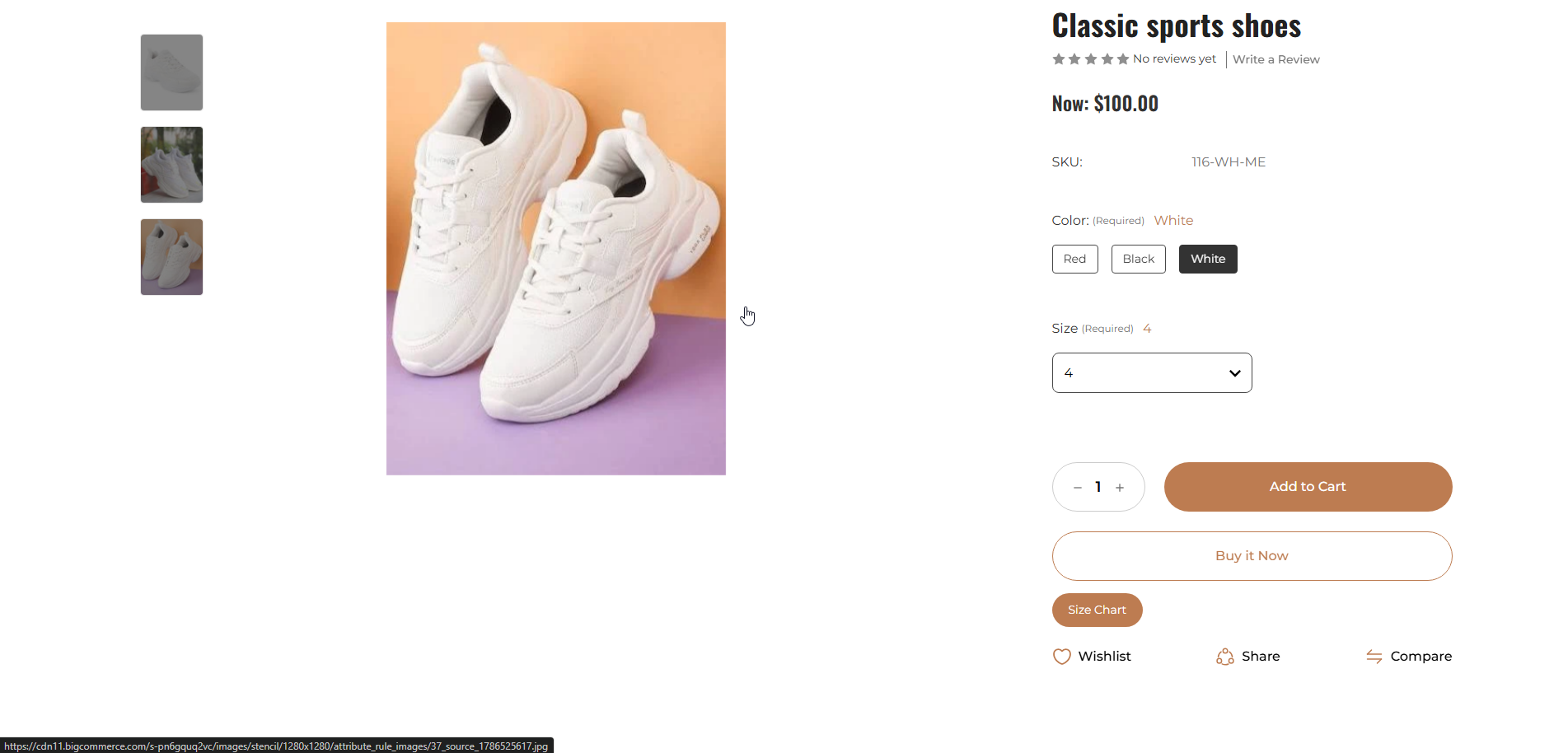
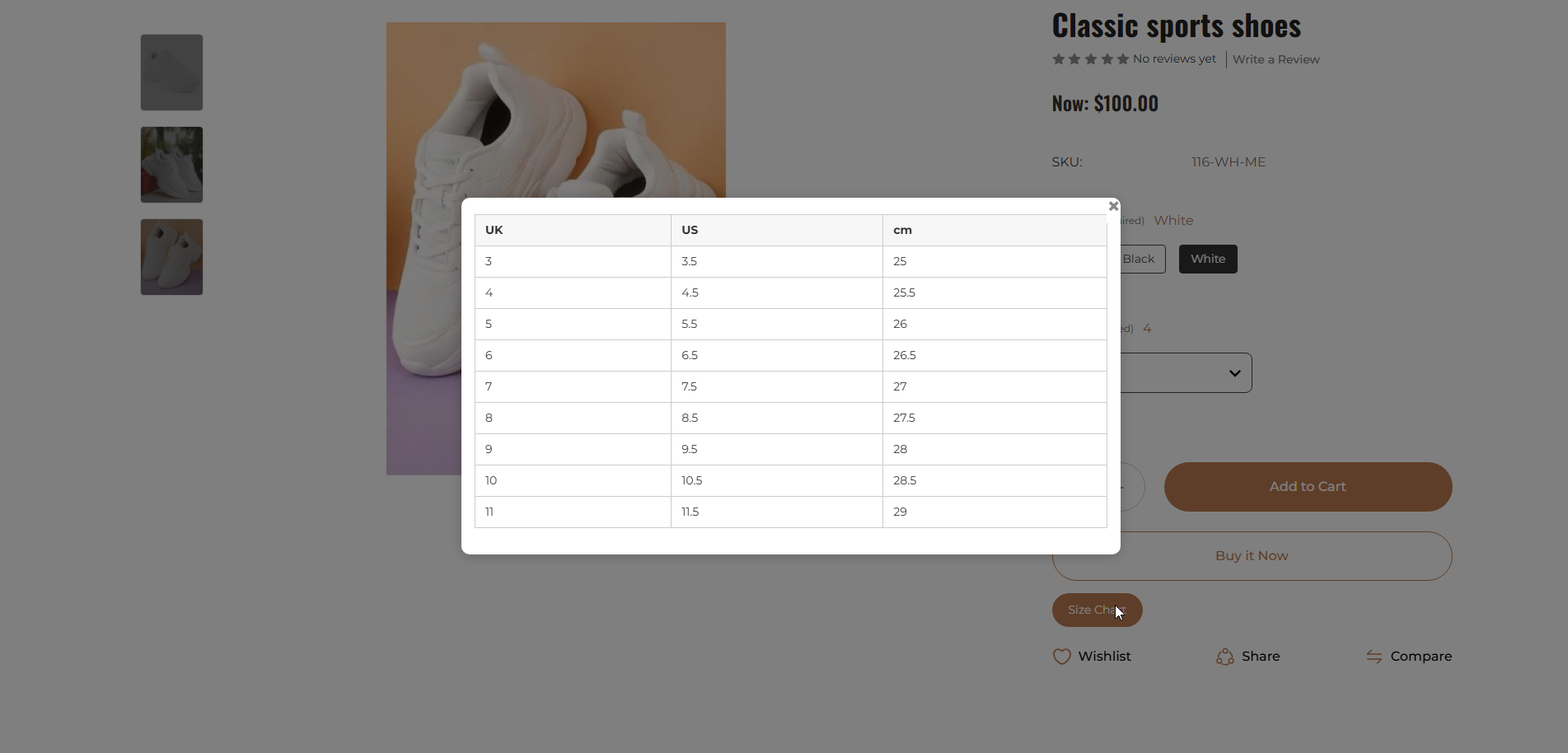
The Problem
Managing size information becomes difficult when a store has many products, categories, and brands.
For example:
- Men's and women's clothing need different measurements
- Shoes may need US, UK, and EU size details
- Some brands follow their own sizing
- Accessories may need special measuring instructions
- The same size table may need to be added to many products
- Updating each product page takes extra time
- Large size tables can make product pages look crowded
- Customers may need to visit another page to check sizing details
This can make size chart management difficult for the store owner and sizing information harder to find for customers.
The Solution: Easy Size Chart
Easy Size Chart gives store owners one place to create, manage, and update size charts.
Store owners can create separate charts for:
- Men's clothing
- Women's clothing
- Kids' clothing
- Footwear
- Accessories
- Different brands
- Products with special sizing needs
Each chart can be added to selected products, categories, or brands.
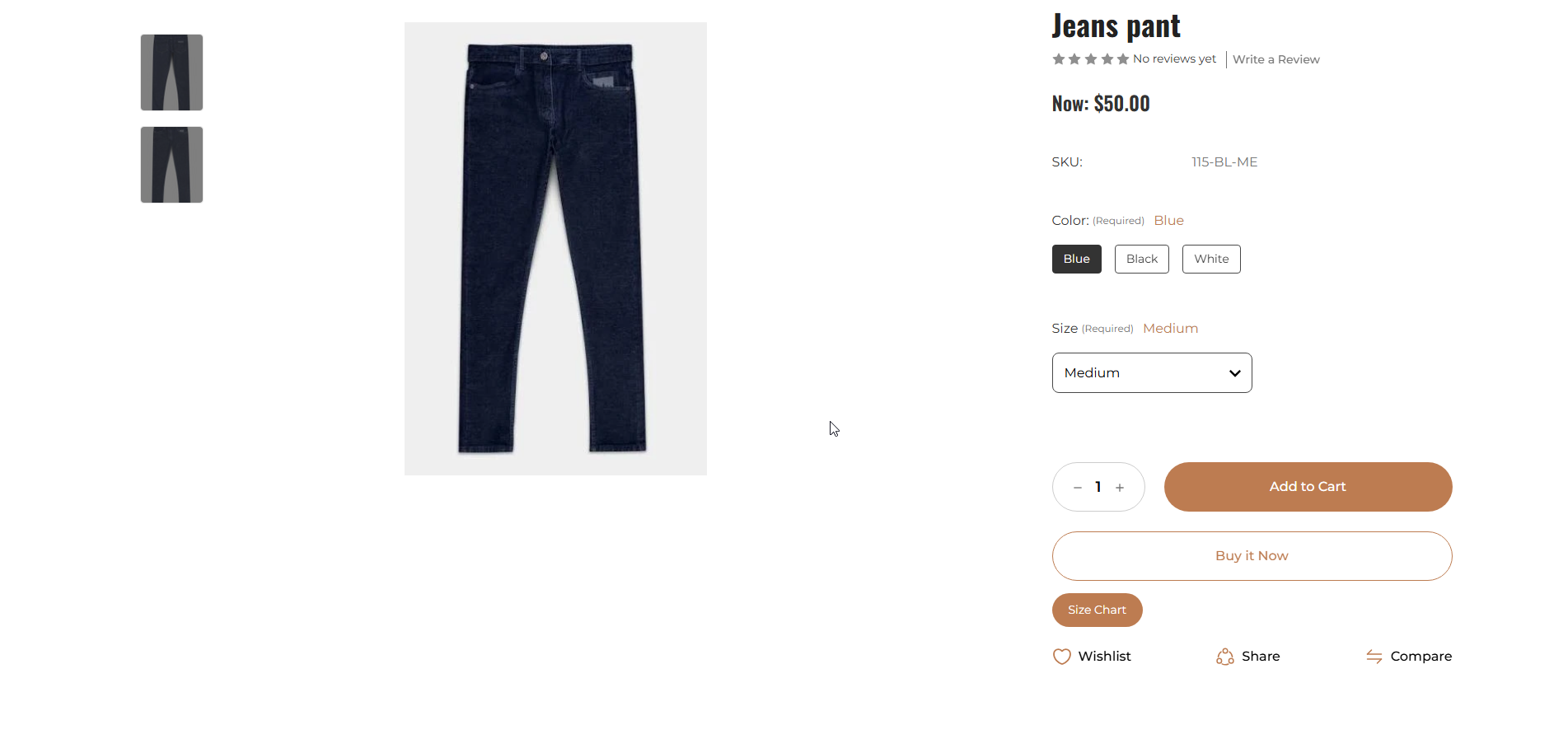
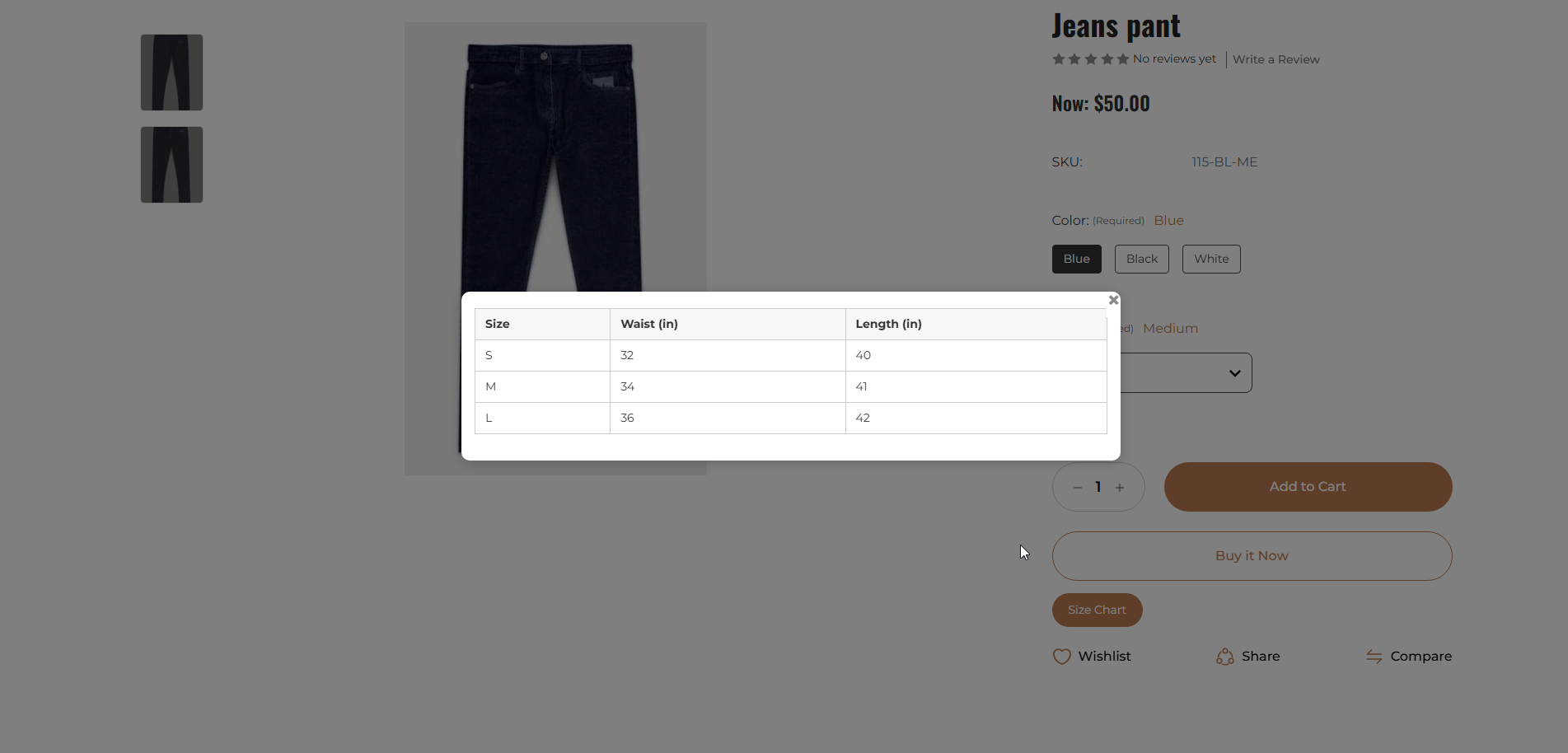
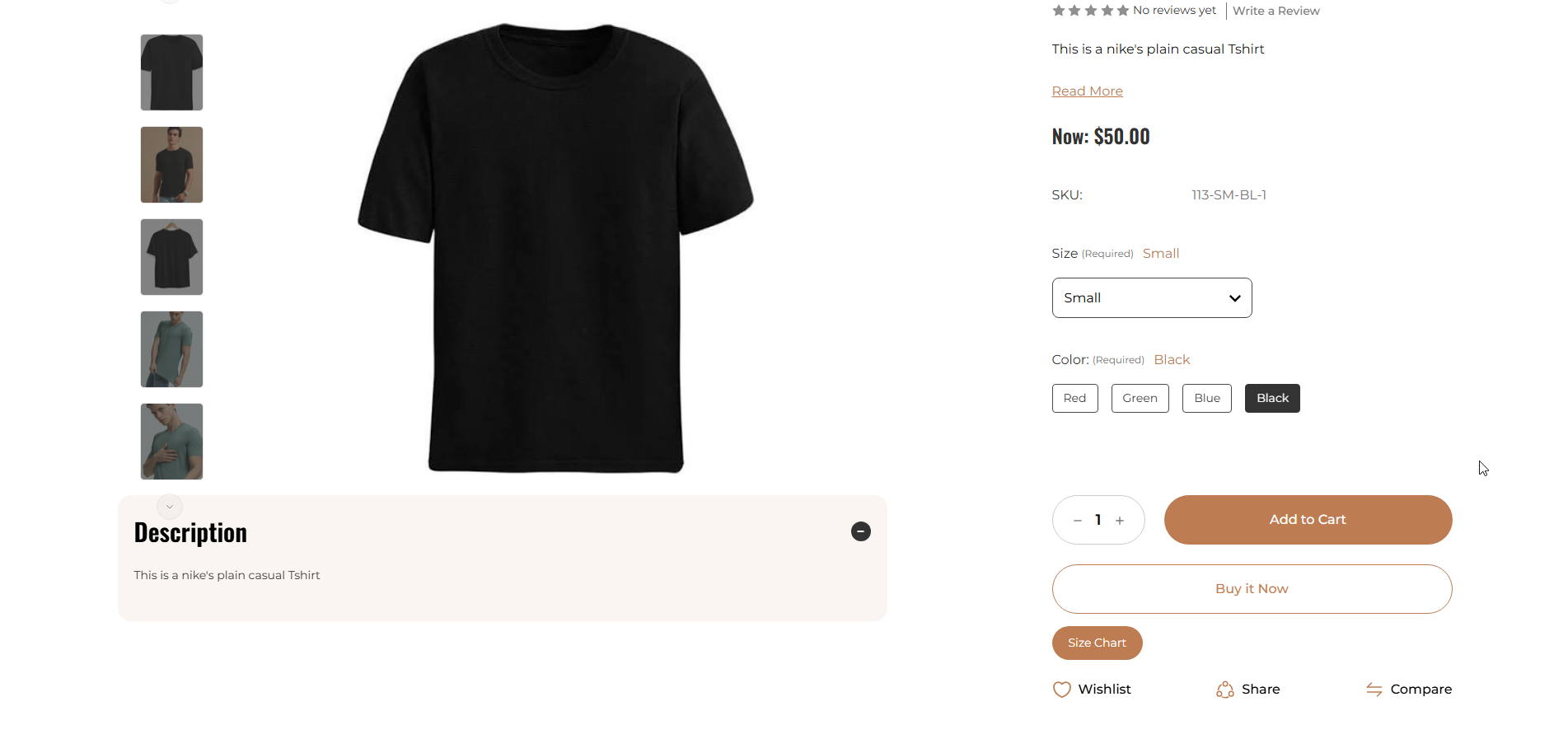
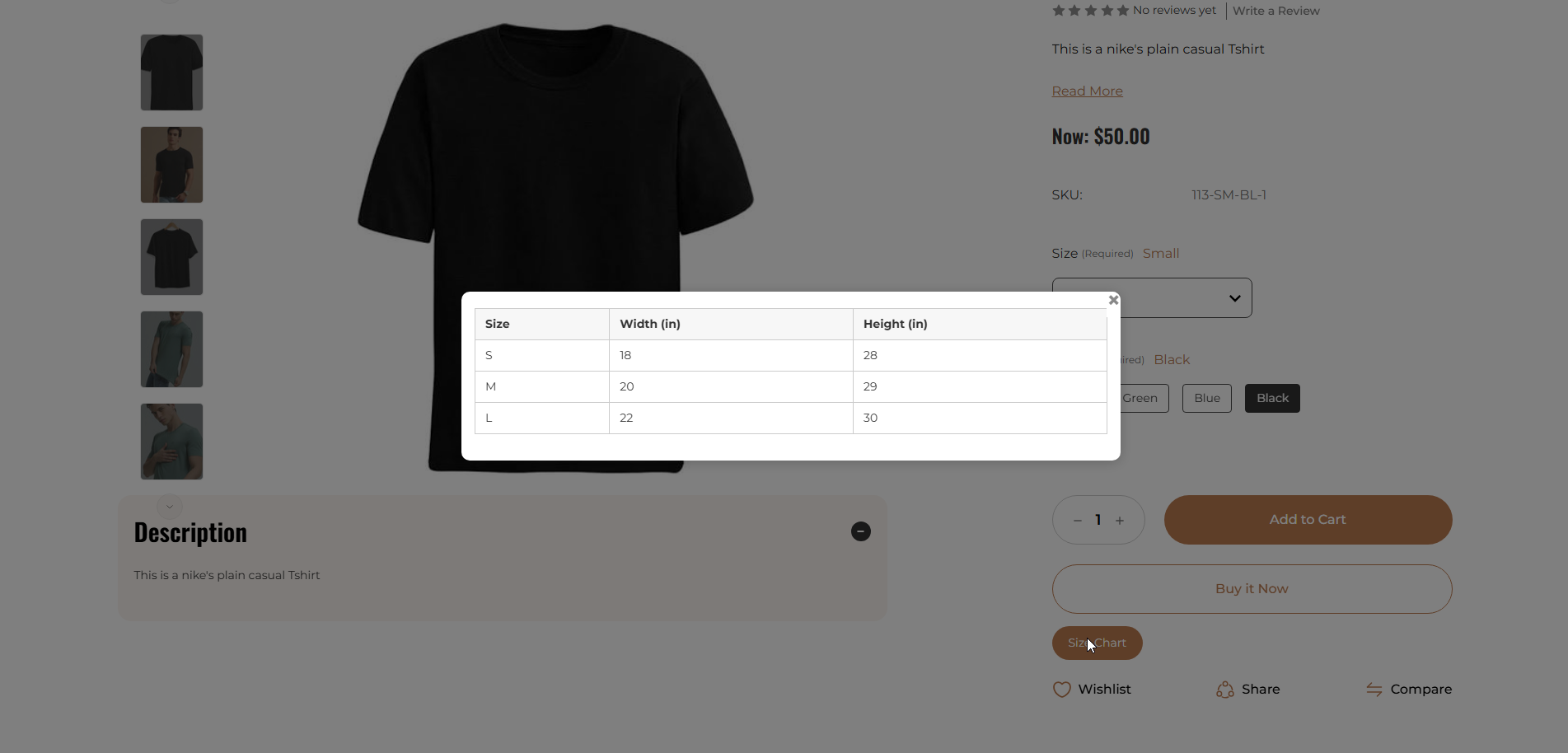
Customers can open the correct size chart directly from the product page without leaving the page.
How the App Was Used
Store owners can apply size charts in a few different ways, depending on how their catalogue is organised:
- Product-based size charts: Add a separate chart to any product that has its own measurements or fitting details.
- Category-based size charts: Use one chart for a complete category, such as men's shirts, women's dresses, kids' clothing, or footwear, instead of adding the same chart to every product manually.
- Brand-based size charts: Create different charts for brands that use different measurements, so customers see sizing that matches the brand they are viewing.
- International size details: Include US, UK, EU, centimetre, and other size details in one chart, making it easier for customers from different countries to compare sizes.
- Clean product-page display: The chart opens in a popup on the product page, so customers can check sizing without reading through long product descriptions or visiting another page.
The Result
Easy Size Chart gives the store owner a simpler way to manage size information across the store.
With the app, the store owner can:
- Manage different size charts from one place
- Use one chart for many products
- Show different charts for different categories and brands
- Update charts without editing every product page
- Keep size information clear and organised
- Show international size details in one chart
- Keep product pages clean
- Let customers check sizes without leaving the product page
- Show size charts properly on desktop, tablet, and mobile
Why It Matters
Clear size information helps customers understand product measurements before choosing a size.
Easy Size Chart also saves store owners from adding and updating large size tables across many product pages.
The app is useful for stores selling clothing, footwear, activewear, uniforms, kids' products, jewellery, accessories, and products from different brands.
From Size Confusion to Clear Size Information
Easy Size Chart helps BigCommerce store owners create, manage, and show the right size chart on the right product pages.